Set your live stream to vertical
Open Live Studio and go to Scenes before you go live.
Solo Camera is currently available through an approved Android test. Open the test link on your phone and sign in with your approved Google account.
What will this guide help me do?
Open Live Studio and go to Scenes before you go live.
PART 1Install and open Solo Camera
- If you do not have the app yet, open Open the Google Play test and tap Install.
- Open Solo Camera on your phone.
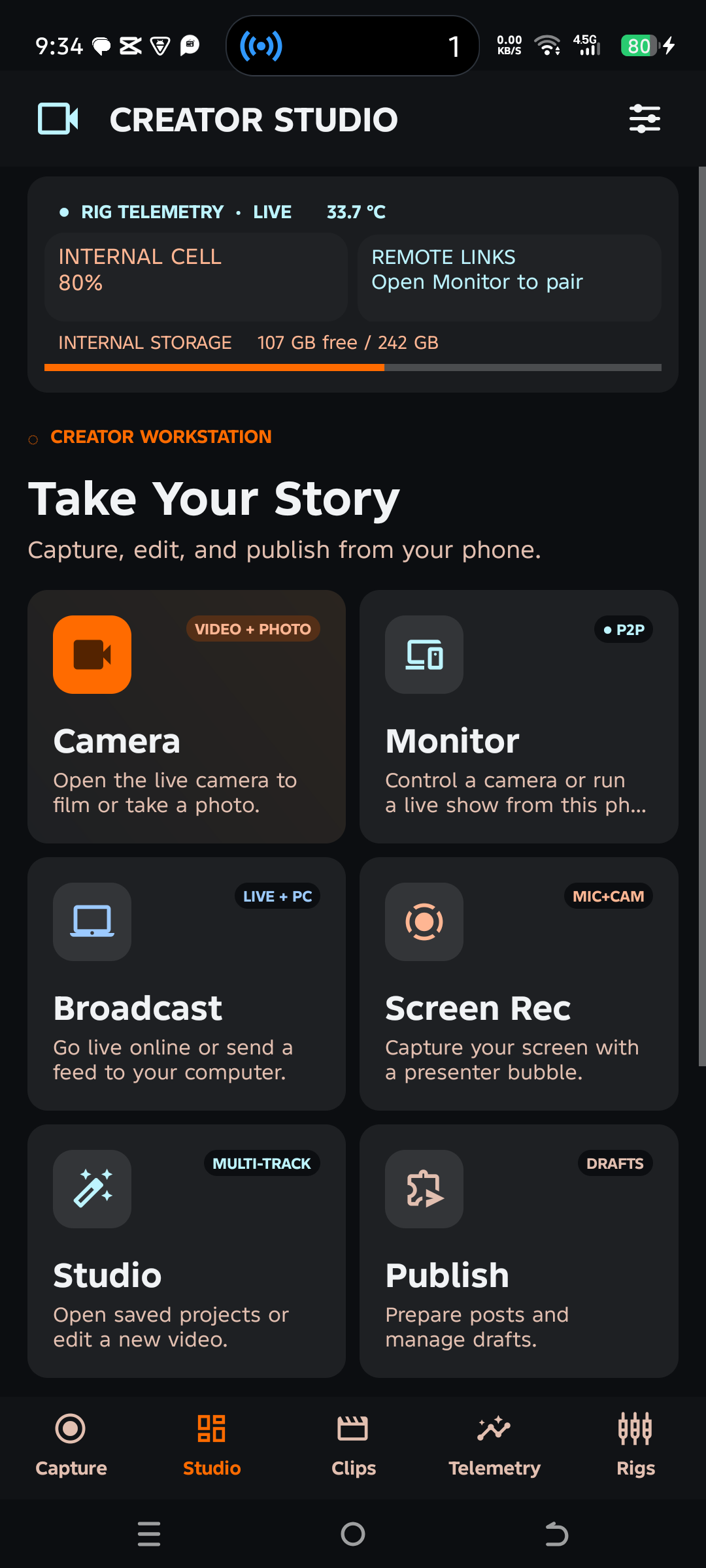
- On the home screen, tap Broadcast, then Live Studio.
 1
PART 2Set your live stream to vertical
Open Live Studio and go to Scenes before you go live. Tap 9:16 for a tall stream or 16:9 for a wide stream. Check that your face and any text fit inside the preview.
Illustrated screenSolo Camera · Streaming Studio
16:9Wide video
Tap for wide9:16Tall video
Tap for tall