Choose what you want to do.
Choose a job you want to finish, then follow the steps and annotated screenshots.
Connect your phone, check the preview, and go live.
Join a video call using the camera you already have.
Make a walkthrough you can edit or share later.
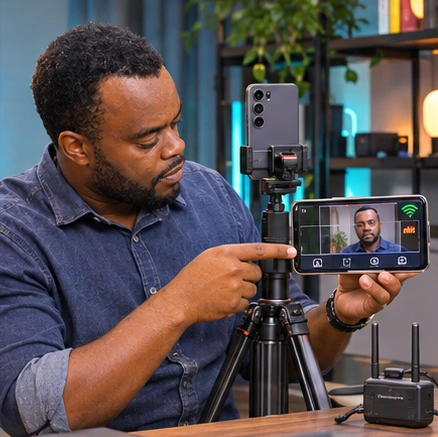
Use the second phone to check your shot from where you stand.
Add spoken instructions to a screen recording.
Point out a button or mark part of the screen during a demo.
Use less storage when recording a long demo.
Demo an Android app from your Windows computer.
Open an empty project and add the clips you want.
Keep the video and caption ready for later.
Find the controls to stream your camera, slides, or screen.
Open the full user guide